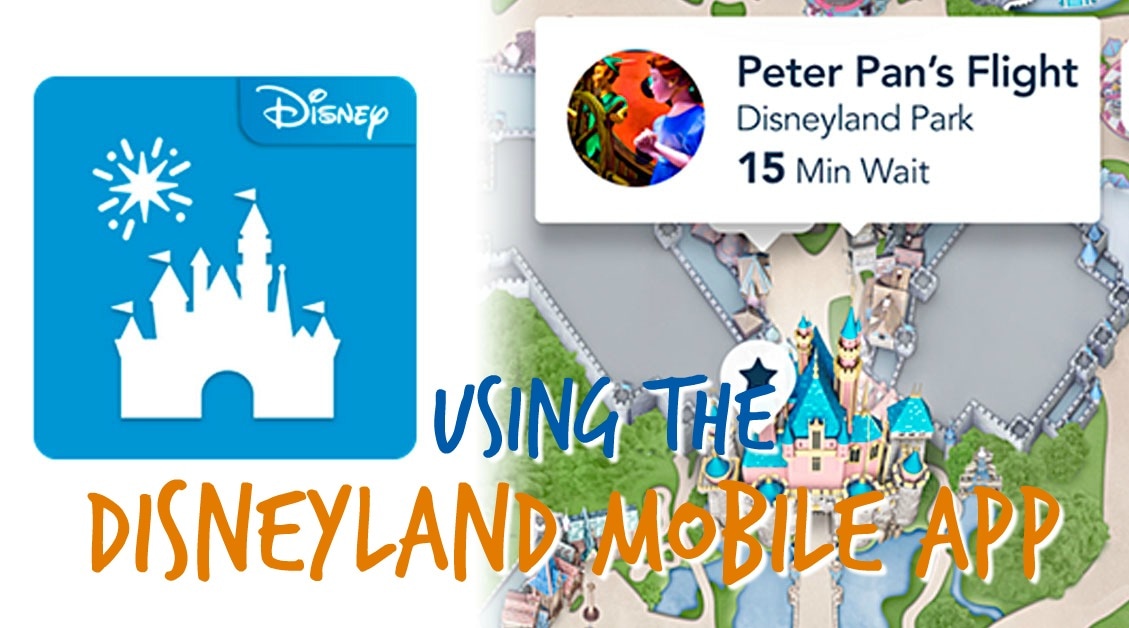
 | I have tried a lot of mobile apps to help with Disneyland trips but I always ended up getting frustrated with them or realized they were more wrong than was helpful. The one app that has been the most beneficial, easy to use, and has the most information is actually the official Disneyland mobile app. What's great is that you can do so much more with it than simply check wait times. Here are some of the highlights so you can make the most of your trip with this handy tool! UPDATED 4 Aug 2018 |
ATTRACTION WAIT TIMES
Obviously, the major feature is the attraction wait times. It always gives you up-to-date information and displays exactly what you'll find posted at the ride entrance. True, sometimes that isn't 100% accurate, but it does still give you an idea of how long you'll be waiting. This is also the only app I've found that arranges attraction wait times geographically so you can get a general picture of all wait times and make your decision that way instead of scrolling through a list.
PARK INFORMATION
The Disneyland mobile app lists park hours, entertainment schedules and Magic Morning/Extra Magic Hours for the next 60 days (although entertainment schedules change often). It can also help you locate information booths so you can talk to Cast Members and locate other special services in the parks.
MAP
Don't have your map? No problem! Use the map on the app to help you find your way around as well as locate any and all attractions, restaurants, restrooms, shops and more.
If you find a show you want to see but don't know where it is you can locate it on your phone. It only tells you about shows that still have performances left in the day so you're not trying to get to something that ended hours ago. You can also find characters for meet-and-greets, though that information isn't always as accurate as I'd like.
PHOTOPASS
If you use PhotoPass then you can locate PhotoPass photographers around the resort for pictures and generate your PhotoPass code through the app for them to scan. You can also link attraction photos to your account and download them onto your phone. This used to be very tricky (as shown in the video below) but the latest updates have streamlined that process and made it much simpler.
Obviously, the major feature is the attraction wait times. It always gives you up-to-date information and displays exactly what you'll find posted at the ride entrance. True, sometimes that isn't 100% accurate, but it does still give you an idea of how long you'll be waiting. This is also the only app I've found that arranges attraction wait times geographically so you can get a general picture of all wait times and make your decision that way instead of scrolling through a list.
PARK INFORMATION
The Disneyland mobile app lists park hours, entertainment schedules and Magic Morning/Extra Magic Hours for the next 60 days (although entertainment schedules change often). It can also help you locate information booths so you can talk to Cast Members and locate other special services in the parks.
MAP
Don't have your map? No problem! Use the map on the app to help you find your way around as well as locate any and all attractions, restaurants, restrooms, shops and more.
If you find a show you want to see but don't know where it is you can locate it on your phone. It only tells you about shows that still have performances left in the day so you're not trying to get to something that ended hours ago. You can also find characters for meet-and-greets, though that information isn't always as accurate as I'd like.
PHOTOPASS
If you use PhotoPass then you can locate PhotoPass photographers around the resort for pictures and generate your PhotoPass code through the app for them to scan. You can also link attraction photos to your account and download them onto your phone. This used to be very tricky (as shown in the video below) but the latest updates have streamlined that process and made it much simpler.
| RESTAURANTS Not only can you locate places to eat you can view menus and now make reservations directly through the app up to 60 days in advance. You can also now see all your reservations at once so you can keep track of your plans in relation to your FastPass selections. ATTRACTION INFORMATION You've found what you want to ride next and know what the wait time is, but is there a height requirement? Or are you just not quite sure what this ride even is? Click on any attraction and you can view all the details about it including recommended age ranges, a brief description of the ride, whether it has a FastPass and any height requirements associated with it. FASTPASSES What really sets this app apart from the rest is that it keeps you updated on FastPass return times. If you want to get a FastPass for your favourite ride but it's on the other side of the park or in a different park altogether and you're not sure if there are any left you can check the attraction's description on your phone. It will tell you what times are being currently distributed or if they're no longer available that day. If they're all gone you can save yourself a trip. MaxPass is also integrated into the app so you can make digital FastPass selections if you've purchased MaxPass that day. You can then use your phone at the FastPass return entrance instead of pulling out your park ticket if you prefer. | 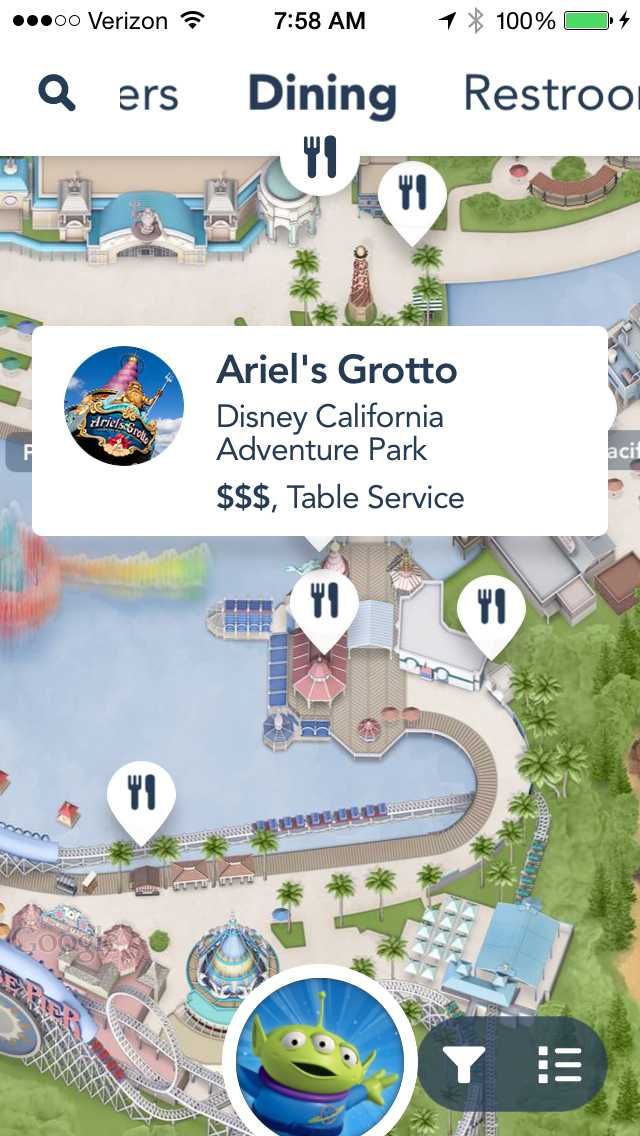 The app has come a long way in a short few years, but largely operates in the same way. |
The Disneyland mobile app can easily be found in either Google Play or the App Store. For more help using the app, check out the video below. Note this is from a slightly older version of the app but many of the features still operate the same way. Keep in mind that there are certainly other apps out there, this has just been my favourite. What are some other good apps you've used in the parks that have helped?